



Hover over the image to zoom in
Sold and Delivered by: Best Licenses
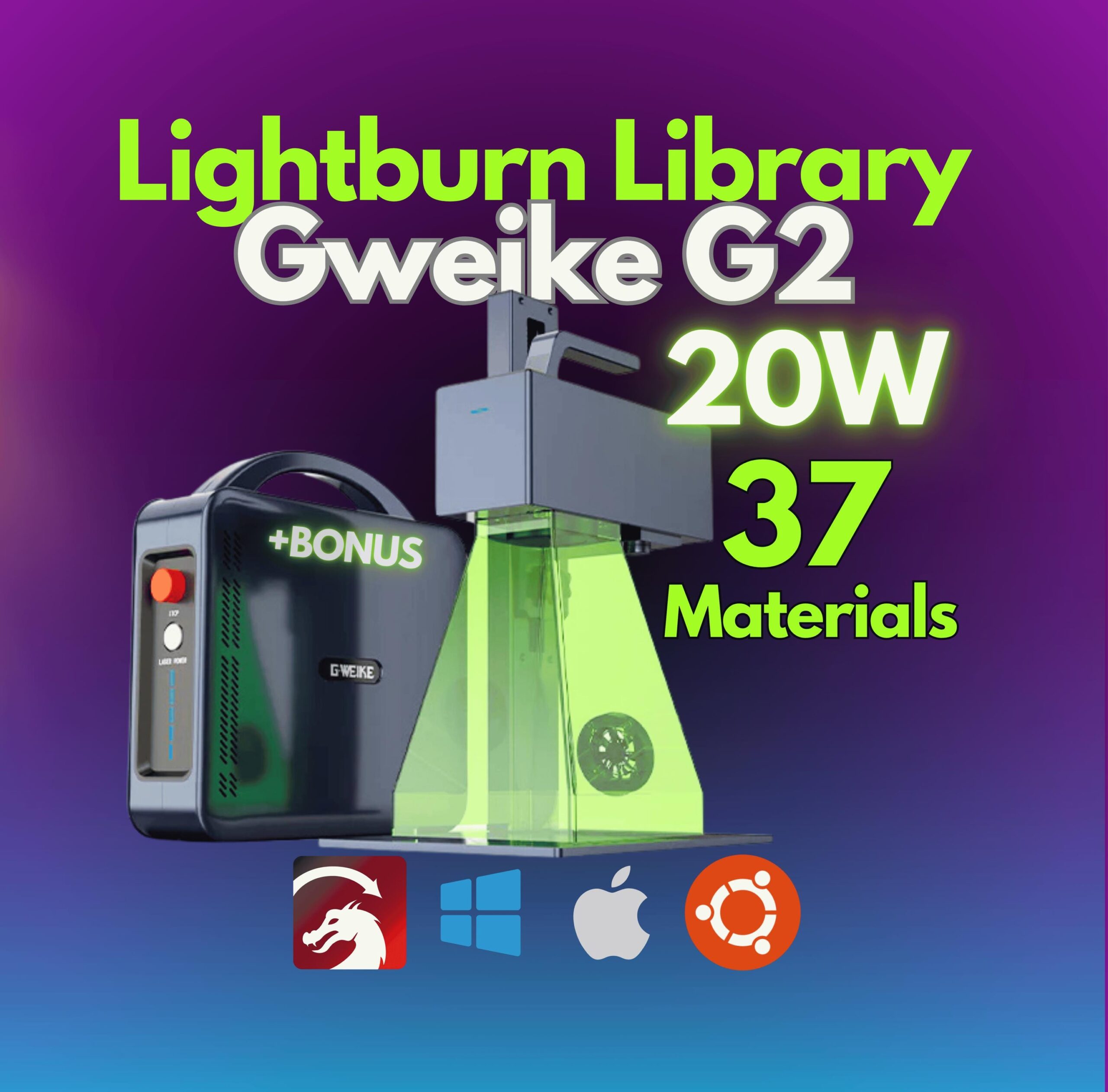
Take your laser engraving projects to the next level with this LightBurn Library specifically tailored for the Gweike G2 Fiber Laser 20W! This comprehensive library features 37 pre-tested materials, 2 lenses, covering everything you need for clean, precise, and efficient engraving results.
Whether you’re a professional or just starting out, this library ensures effortless integration with all fiber laser machines. With two lens dimension options, this library is a versatile, plug-and-play solution that streamlines your workflow. Plus, enjoy a BONUS package designed to save you time and enhance your creative possibilities.
Why Choose Our LightBurn Library?
Material Variety: Compatible with 37 tested materials, ensuring reliable settings for all your projects.
Easy Setup: Plug & play compatibility eliminates guesswork, making it perfect for beginners and pros alike.
Bonus Included: Enhance your projects with extra resources included at no additional cost.
Designed for Fiber Lasers: Works seamlessly with Gweike G2 Fiber Laser.
Upgrade your engraving precision and efficiency today—no more trial and error!
Key Features:
🔥 20W Gweike G2 Fiber Laser Machine Support for precise and reliable results.
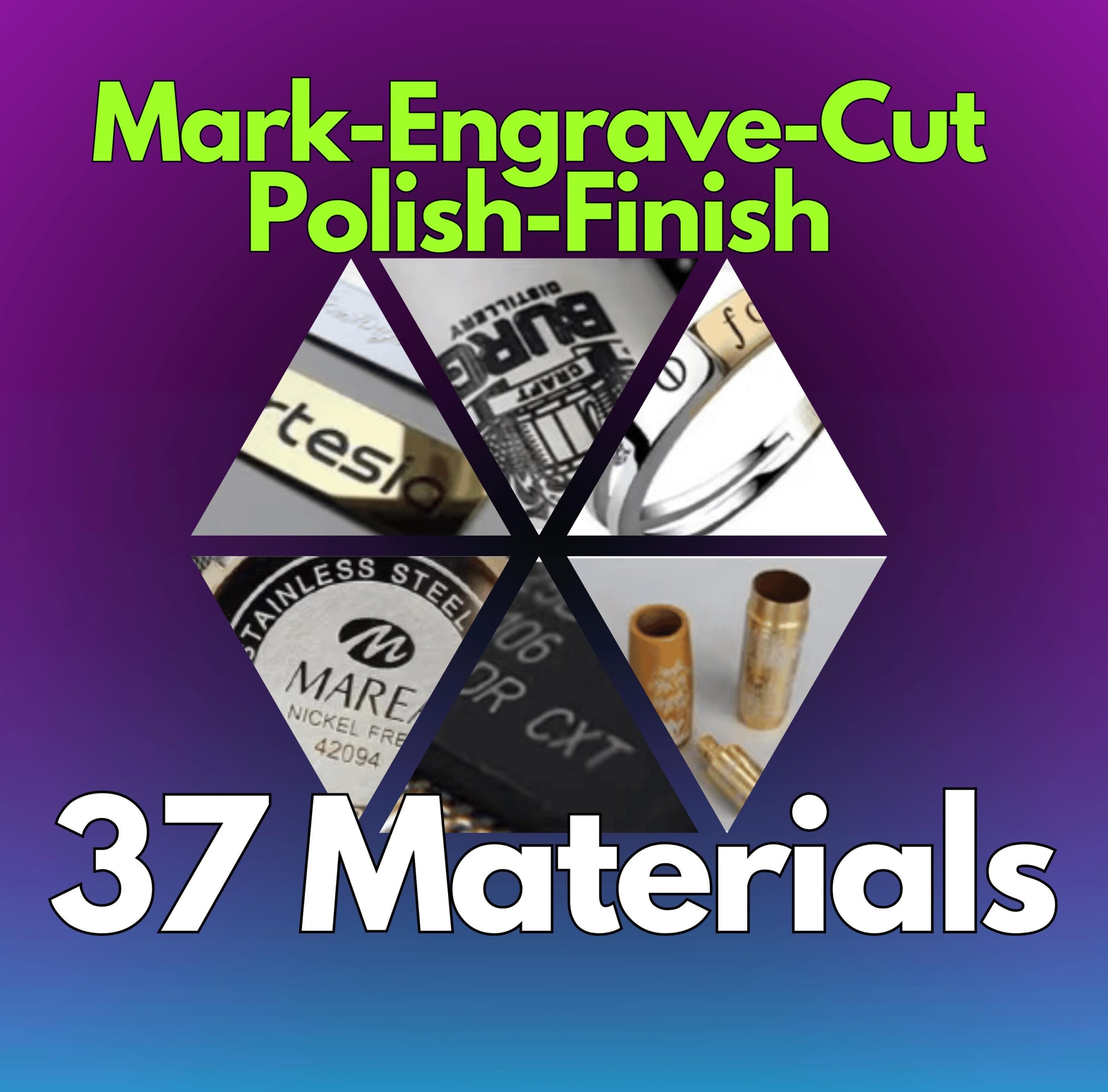
🛠️ 37 Pre-Configured Material Settings
Engrave like a pro on metals, plastics, and more with settings tailored for maximum efficiency.
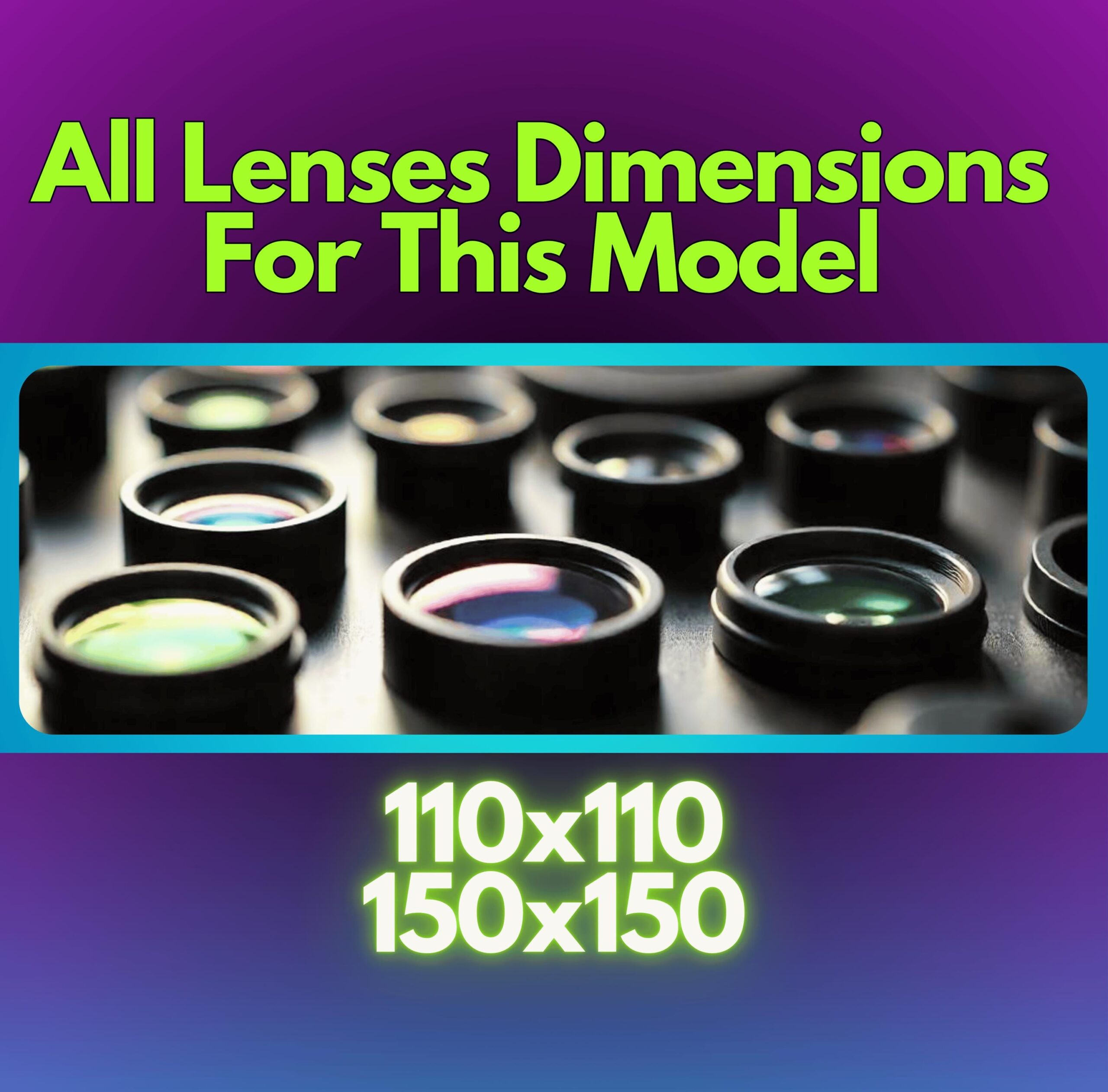
🌟 2 Lens Dimensions Covered
Designed for versatility, this library works seamlessly across various lens sizes.
⚡ Plug & Play – Instant Setup
Simply upload the library to your machine and start engraving! No complex configurations required.
🎁 BONUS Included!
Enjoy added tools/resources to enhance your engraving process and achieve even better results.
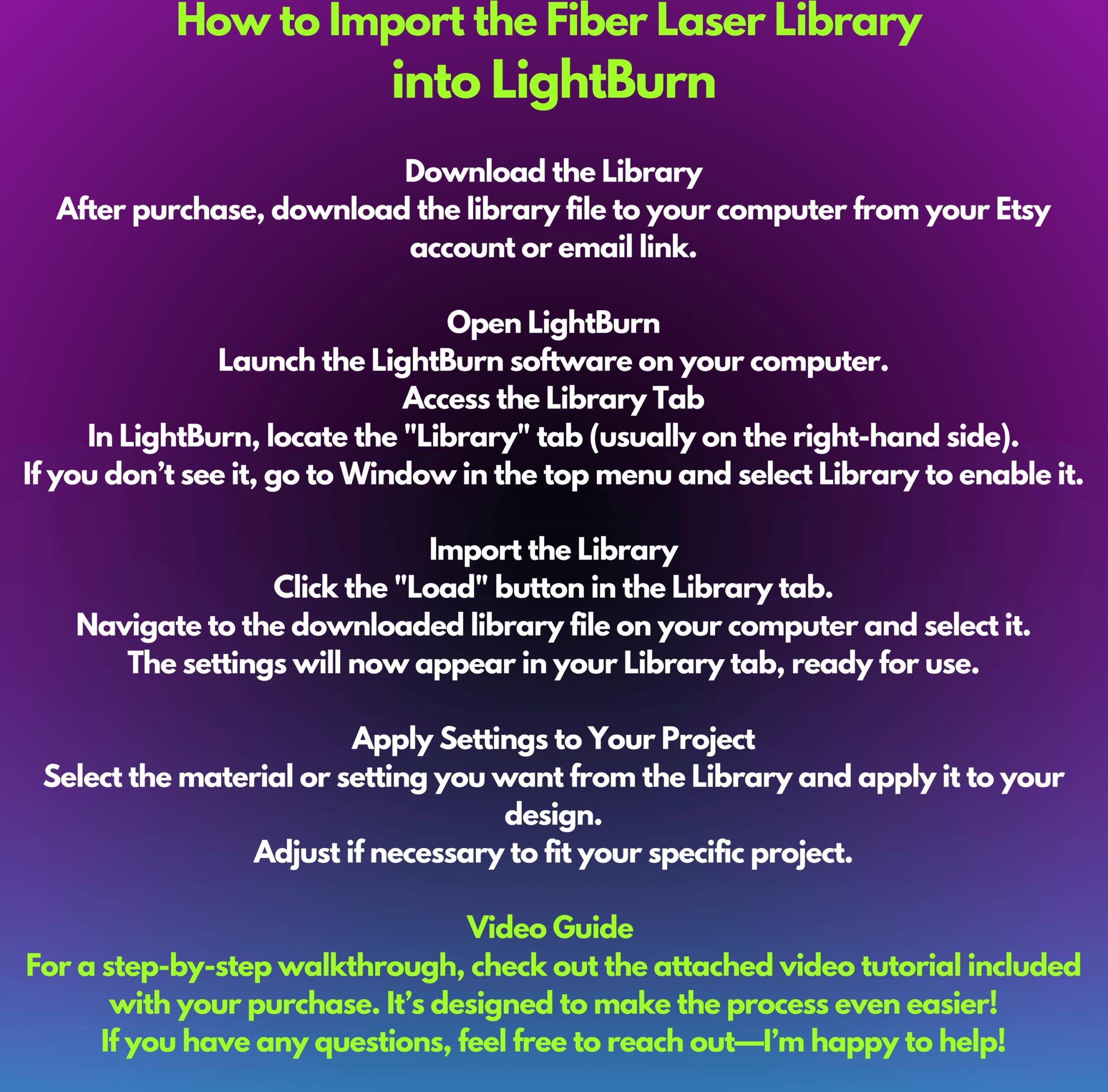
How to Install
1. Unzip the File
– This is a .zipped (compressed) file. You will need to unzip (decompress) it before proceeding.
2. Open LightBurn
– Launch the LightBurn software on your computer.
3. Locate the ‘Library’ Tab
– In LightBurn, go to the Library tab located in the bottom right, near the Laser tab.
4. Load the Library
– Click on the Load button in the Library tab.
– Navigate to the unzipped .clb library file on your computer and select it.
5. Done!
– Your library is now installed and ready to use.
Note: This library WILL NOT INSTALL IN TRIAL VERSIONS of LightBurn. Make sure you are using a licensed version of the software.
If you encounter any issues, feel free to reach out for assistance!
Order now and achieve flawless results with your Gweike G2 Fiber Laser!
❗ License Notice: This LightBurn library is provided for personal use only. Commercial use, including resale, redistribution, or use in client projects, is strictly prohibited.
By purchasing or downloading this product, you agree not to share, sell, or distribute it in any form.
_____________________________________________________
OUR GUARANTEE
We understand that buying products online can feel risky. That’s why our team is trained to ensure you are 100% satisfied with this product. We want to guarantee that there is NO risk in purchasing our products to try them out.
If you are not satisfied with your purchase for any reason, simply contact us by email and we will do everything we can to ensure your complete satisfaction.
Our commitment is to your happiness and satisfaction.
We offer 24/7 support via email: contato.bestlicencas@gmail.com
If you have any questions, please contact us and we will be happy to assist you. Delivery time: all of our products are digital and delivered instantly via email.
If you cannot find your product, we recommend checking your spam folder. We always send a video installation guide. For more information, please contact us via email.